
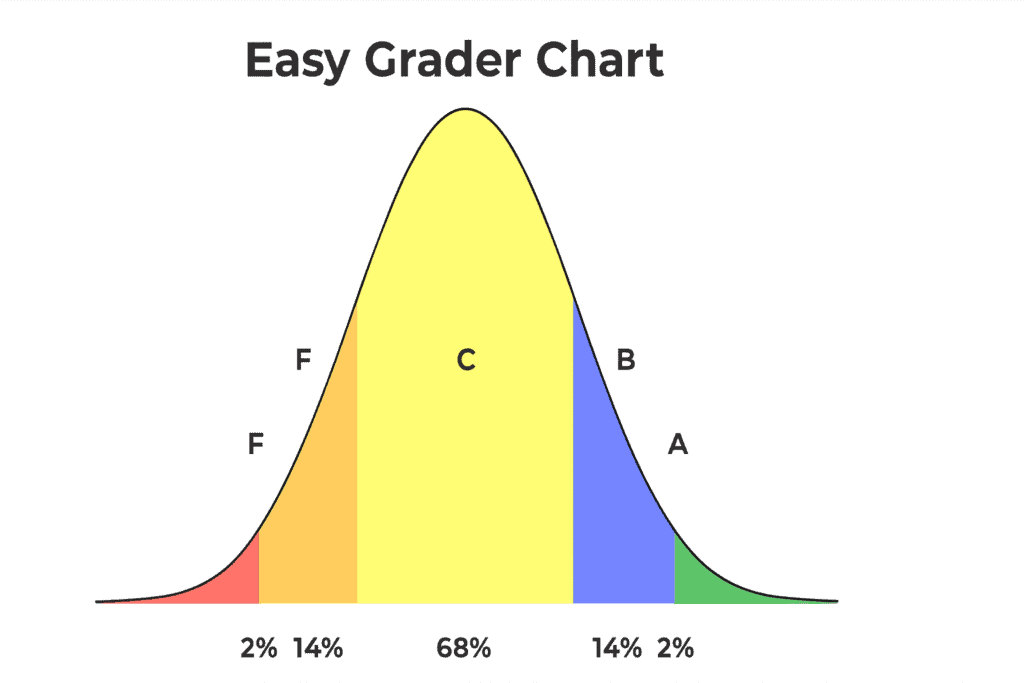
The easy grader chart has quietly become one of the most relied-upon tools in classrooms of every size. Although digital grading software is everywhere today, many teachers still reach for this simple chart because it is fast, accurate, and requires no setup. When I started teaching, I remember a moment while grading a large stack of vocabulary quizzes. My phone battery died, the internet went out, and all I had left was a printed chart that showed percentages based on the number of items correct. That evening taught me something important. Sometimes the simplest tools save you when everything else fails. This article walks you through exactly how the easy grader chart works, why teachers still trust it, and how you can use it to make your grading faster and more consistent.
Easy Grader Percentages: Understanding How Accuracy is Calculated
Every teacher knows that students quickly ask what their percentage is, even before you finish marking the paper. With the easy grader chart, this answer becomes clear in seconds. A grader chart lists the total number of questions on one axis and the number of incorrect items on the other. By matching the row and column, you instantly see the earned percentage. If you are curious to compare it with digital calculators, you can explore simple math percentage tools such as this one from CalculatorSoup: https://www.calculatorsoup.com/calculators/algebra/percent-calculator.php.
Before digital apps existed, experienced teachers relied on laminated cards that were kept inside planners, books, or even taped to the inside of a desk drawer. The easy grader chart continues this tradition because it cuts grading time dramatically. It also reduces mental fatigue, which helps you stay consistent, especially when grading large sets of assignments.
Easy Grader Template: How to Use the Chart Step by Step
Although the chart looks simple, there is a method that helps you get the most from it. First, decide the total number of questions on the assignment. Second, count errors rather than correct answers. This keeps the process clean and uniform. Third, find the error count in the chart’s left column. Fourth, move your eyes across the row to find the percentage that matches the total number of items. You can test this on any printable chart, such as those found at TeacherVision: https://www.teachervision.com.
Many teachers say the first time they use an easy grader chart, they feel relieved. One educator told me she had spent years doing calculations manually on a handheld calculator. When she discovered the chart, she said it felt like finding a shortcut she never knew she needed. Over time, she printed multiple copies and stored them around her classroom so she always had one within reach.
Easy Grader Printable: Why Printable Versions Still Matter
A printable version of the easy grader chart remains valuable for one simple reason. It works anywhere, anytime. When you print your version, you can add color coding, laminate it for durability, or even attach it to clipboards so you always know where it is. Printable grader charts are especially useful during field trips, emergency drills, substitute teaching days, or any moment when devices feel like more trouble than support. You can find simple printable options on education resource sites like SuperTeacherWorksheets: https://www.superteacherworksheets.com.
Teachers often share stories about how printables save them during the busiest seasons. One teacher described grading in the gym during a school event, where wireless internet was unreliable, and noise levels were high. Her laminated chart allowed her to finish all scores before the event ended, while others waited to grade later.
Easy Grader Scale: How It Helps Maintain Fairness and Consistency
Every classroom benefits from a fair grading system. The easy grader scale plays a major role in supporting consistency because it eliminates on-the-spot decision-making. When percentages are pre-calculated, you avoid mental math errors and keep grading equal for every student. This is especially helpful when adjusting the total number of points for pop quizzes or quick assessments. Checking your scale against standard grading practices can also be helpful. You can compare it with reference charts like the ones available at Scholastic: https://www.scholastic.com.
A clear scale also helps students. When they know exactly how many mistakes move them from one grade level to another, they can track their progress in a more confident way. Transparency builds trust in your classroom, and tools like the easy grader chart help you give students precise feedback every time.
Easy Grader Score Chart: Tips for Faster and More Accurate Marking
An easy grader score chart becomes most powerful when you use it as part of a routine. Some teachers keep it open beside them while grading a stack of papers. Others take a small break after every ten assignments to reset their minds and maintain accuracy. The score chart also helps new teachers who sometimes worry they are grading too harshly or too gently. Because the chart sets firm boundaries, it becomes easier to focus on the quality of student work rather than the pressure of making numerical decisions.
Over the years, I have heard teachers say that a score chart feels like a quiet support system. You never wonder whether you miscalculated or accidentally wrote the wrong percentage. The chart keeps everything stable and prevents the kind of mental slip that can happen when you are tired or rushing.
Easy Grader Calculator: Digital Option for Quick Percentage Checks
If you prefer digital help, you can combine your printed chart with an online easy grader calculator. These calculators work by entering the total number of questions and the number missed. The result appears instantly. A popular and simple example is available at
Even though digital calculators are convenient, many teachers use both methods. They rely on digital tools during planning periods and the printed chart while walking around the classroom or checking work during student conferences. Blending the two approaches creates flexibility and keeps you prepared for any situation.
Easy Grader Chart: Final Thoughts
The easy grader chart has survived decades of change in education because it protects your time and energy. Teaching already demands so much from you, and grading should not drain your focus. This chart helps you work faster, stay consistent, and support students with reliable feedback. Whether you tape it to your desk, save it as a PDF on your phone, or keep a copy in your binder, this simple tool will continue to help you every time you need to convert raw scores into clear percentages.